Swiphoto
Swipe left to delete, right to keep — clean your camera roll fast.
May 30, 2026
SwiftUIPhotoKitCombine

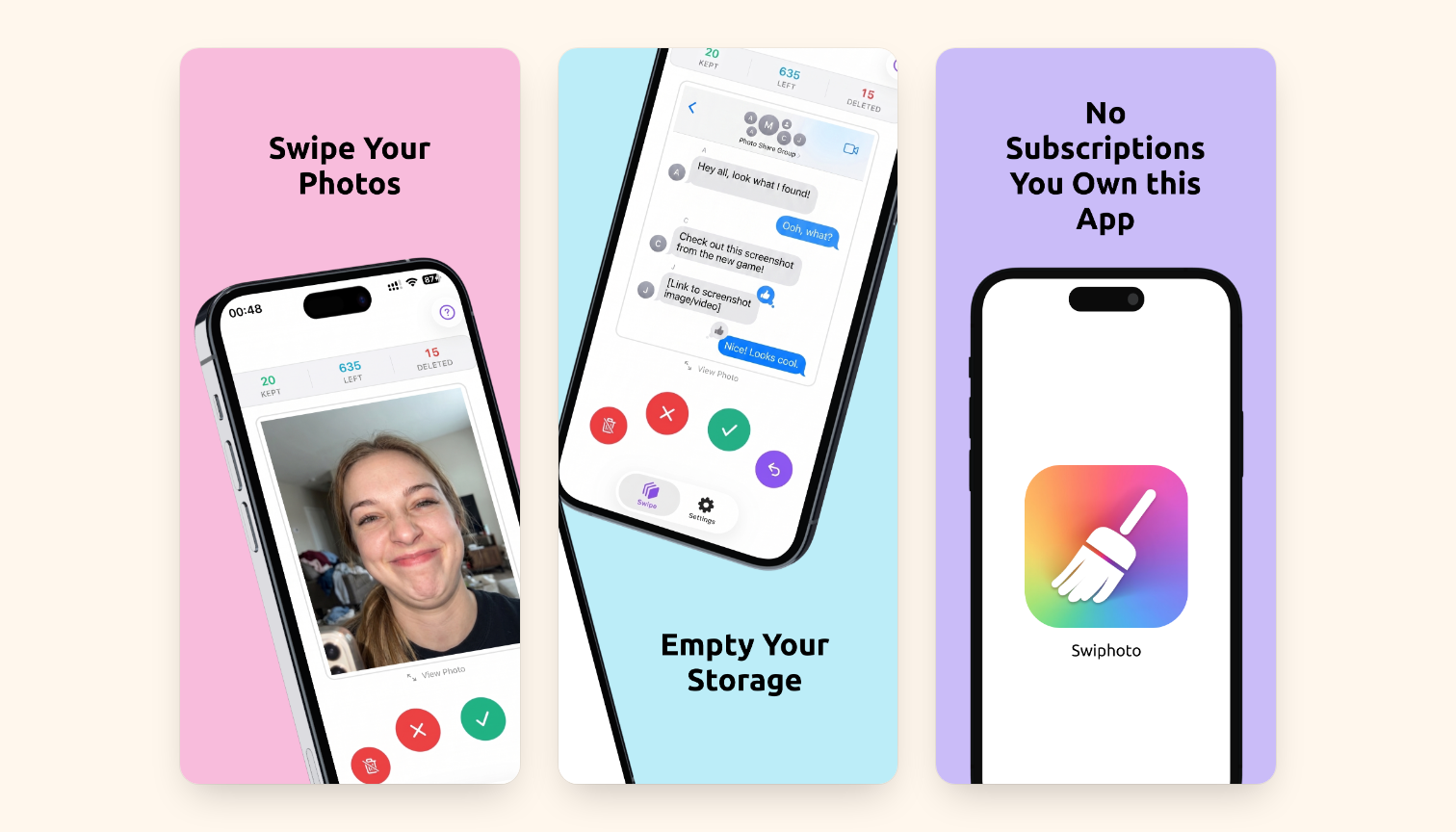
Drowning in screenshots, duplicates, and blurry shots? Swiphoto cleans your camera roll fast. Swipe left to delete a photo, swipe right to keep it.
Deleted photos move into a dedicated Swiphoto Archive album first, so nothing is gone for good until you say so. Changed your mind? Undo your last swipe instantly. Ready to reclaim space? Purge the whole archive in a single tap.
Why Swiphoto
- Fast, one-handed triage: review hundreds of photos in minutes
- Safe by design: archive first, delete only when you’re sure
- Undo any swipe, anytime
- See your progress at a glance: kept, remaining, and cleared
- Tap to view any photo full screen before deciding
Private and simple
- No subscriptions, no ads, no tracking
- Pay once, use forever
- Your photos never leave your device
Free up storage and keep only the memories that matter, one swipe at a time.